4 IN 1 Rotation Multi-Purpose Fixture Mobile Phone Heating Free Screen
RemovalUSD $77.10
Condition : New
Free Shipping

Notify me when the price drops
We will email you if we find a lower price on this product!
Universal Disassembly Fixture for LCD Screen Separator IPhone Samsung Mobile Phone Screen Opening Disassembly Repair Tools
Efficient removal of rear cover glass
Suitable for phones with back cover glass, etc., easy and quick removal of the back cover
Steps for disassembling the glass back cover
① Remove the suction cup bracket from the fixture
② Place the back cover of the phone on the front, secure it with clamp screws, and clamp the phone tightly
③ Operate with a blasting pen, adjust the buckle and rotate the workbench for convenient blasting
④ After the blasting is completed, use a shovel and fixture to clean the rear cover glass. If there is any residue, continue to clean it
No heating, quick screen removal
No heating, beginners can easily change screens, disassembly is non-destructive, and operation is simple
Screen separation steps
① Install and use the suction cup bracket along the bracket guide rail
② Place a clamp screw on the front of the phone screen to secure it and clamp the phone tightly
③ Inject an appropriate amount of 95% industrial alcohol into the phone border
④ Lower the suction cup part steadily, align the suction cup with the phone, select it, and then fasten the suction cup fixing and adjusting buckle
⑤ Slowly adjust the screw tension knob to drive the suction cup to adsorb and complete the disassembly work
Fixed screen
Add suction cup fixing holes to fix the screen and detect mainboard maintenance; Can be used as a phone holder for convenient and quick battery removal.
Steps for disassembling the battery/motherboard
① After the screen separation steps are completed, remove the phone and use a disassembly chip to disassemble it
② Remove the suction cup bracket from the fixture and directly install the suction cup fixing accessory onto the bracket
③ Place the phone with the completely disassembled screen on the fixture and attach the LCD screen to the suction cup
④ After fixing the screen, it can detect motherboard repairs and easily and quickly remove the battery


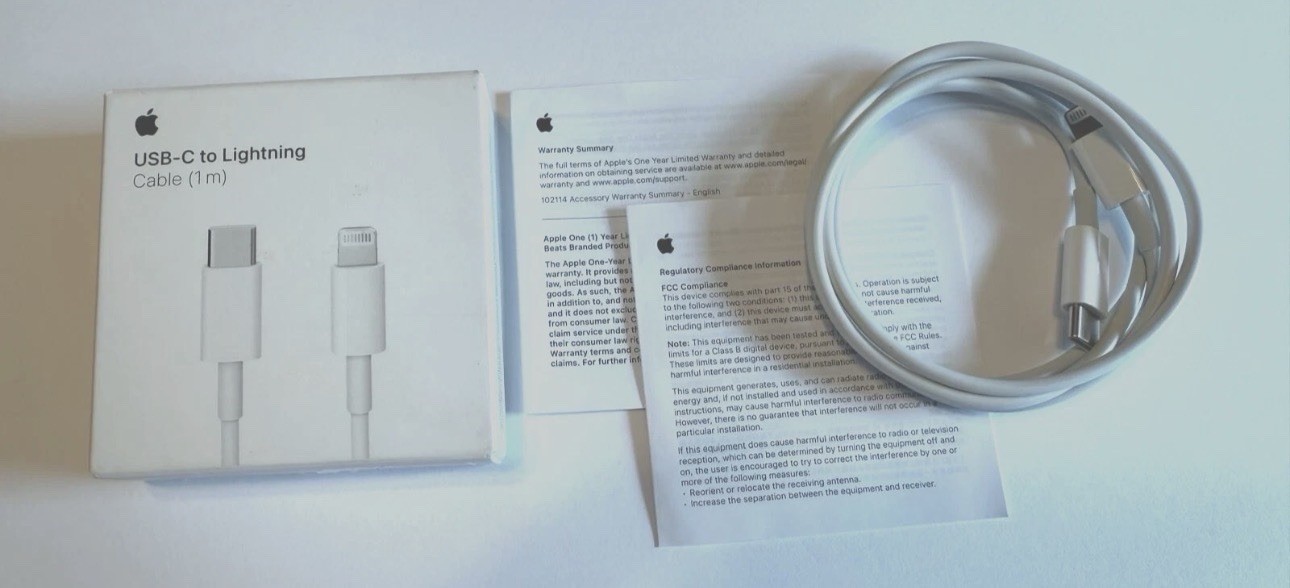
Original USB-C Fast Charger For iPhone 17 16 15 14 13 12 11 Pro Max Type C Cable
By Unbranded

$13.98





 .
